- Players
- shared worldseen in the scoreboard
- Match length
- ongoingone sampled match
- Map seen
- shared worldname shown in game
- Mode
- —as listed in the picker
- Last measured
- 2026-10-30our own session
The sentence above is the developer's own description of Survival on miniblox.io. Everything after this note is what we saw ourselves.
Getting in
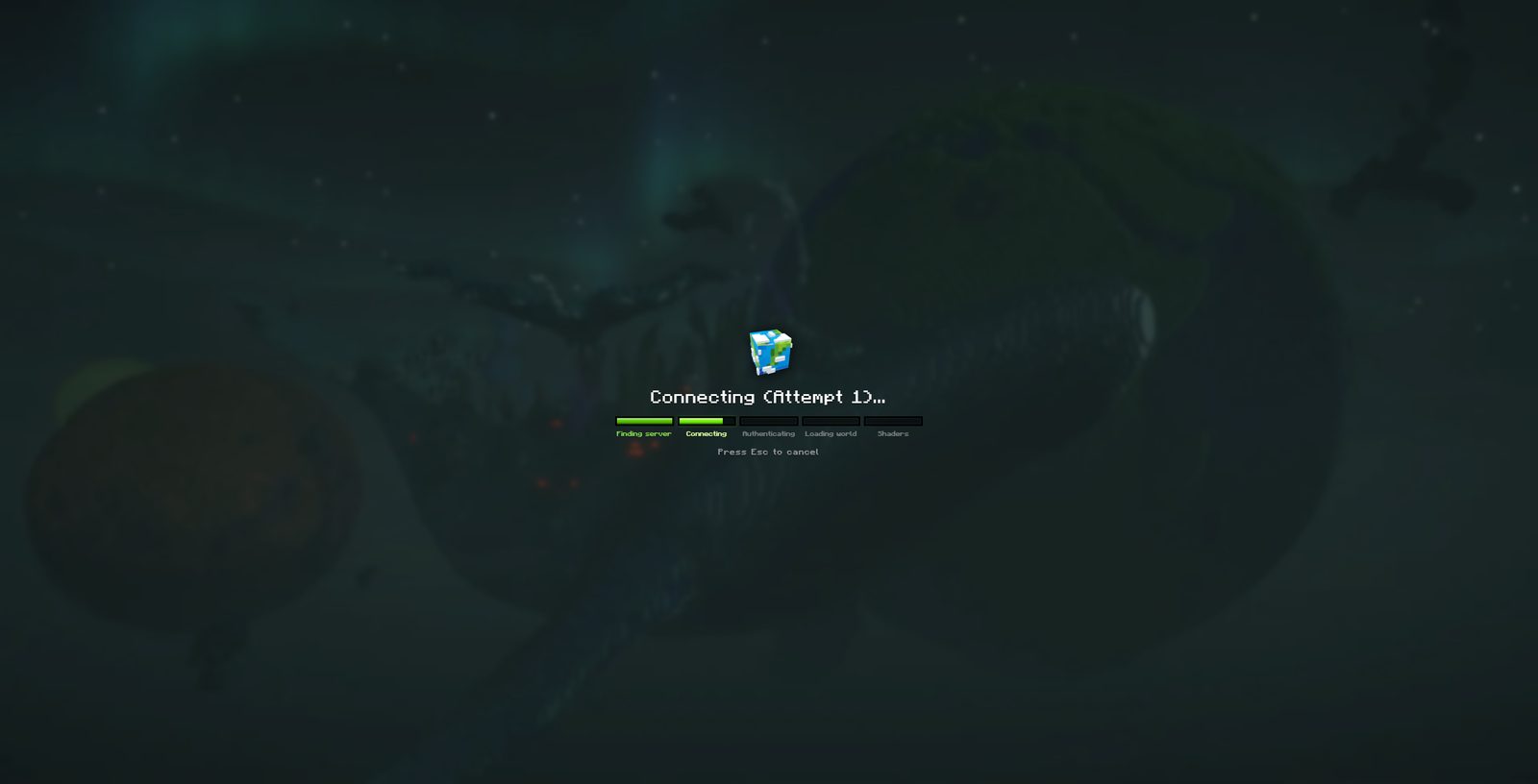
Connecting runs through five named stages — Finding server, Connecting, Authenticating, Loading world, Shaders — with a chunk counter (Loading chunks (6 left)) while the world streams in. Our first world took about 43 seconds from click to standing on grass.
Two bars of 28
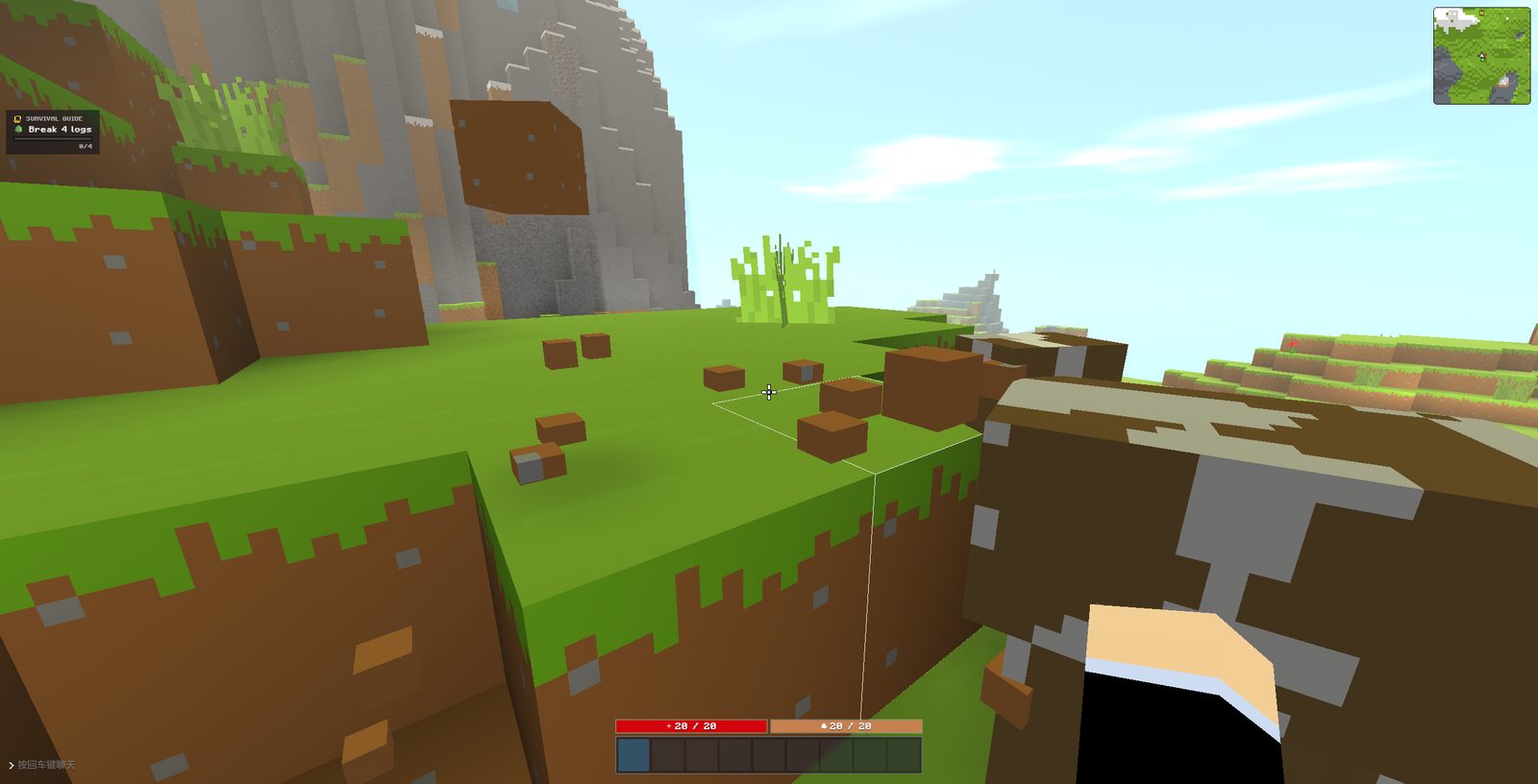
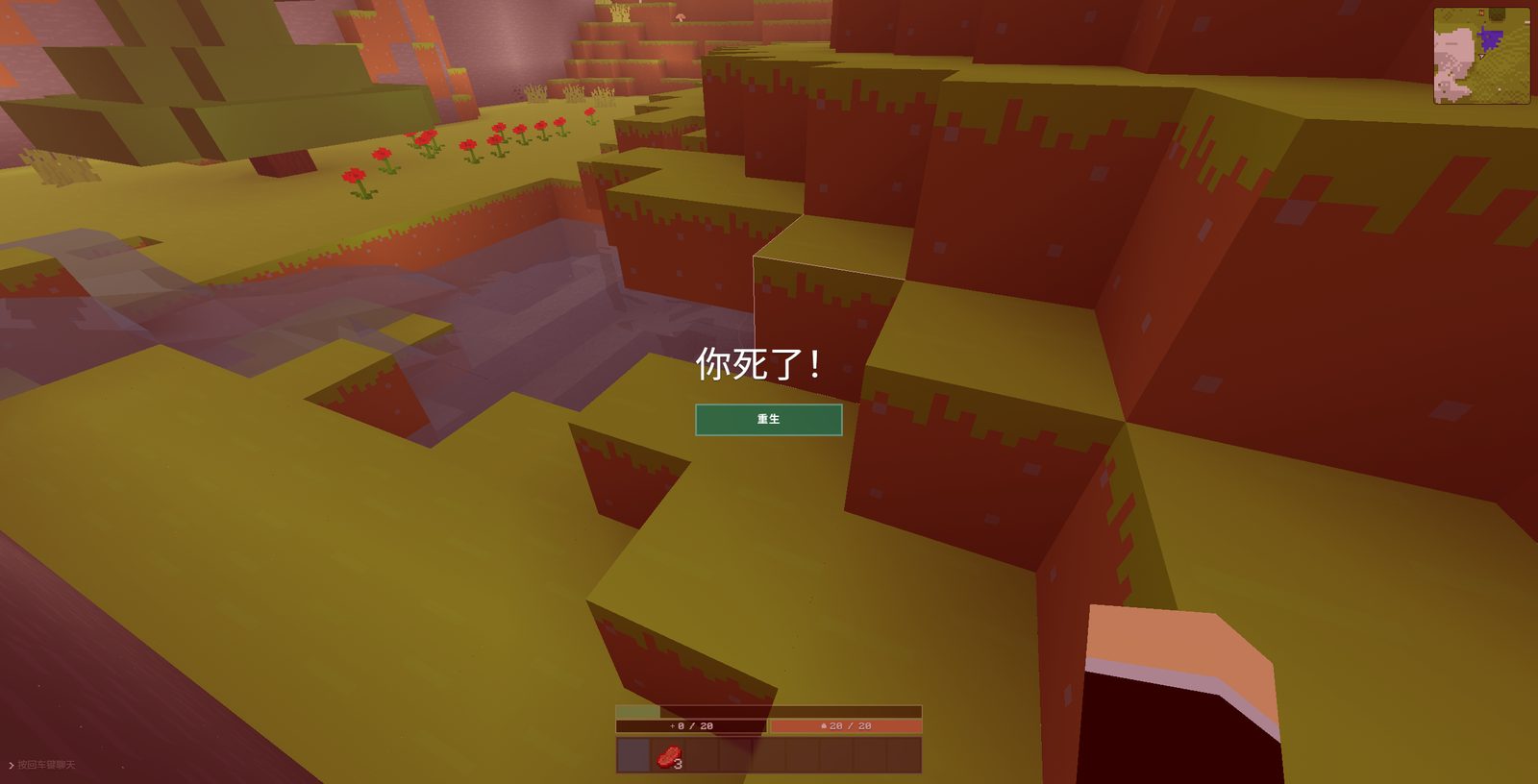
The HUD shows health and a second amber bar with a shield glyph, both reading 28 / 28. On death the red bar drops to 0 / 28 and the amber one stays at 28. Whether that second bar is armour, absorption or something else we have not confirmed — it never moved during the session, so we are not going to label it.
There is a guided first hour
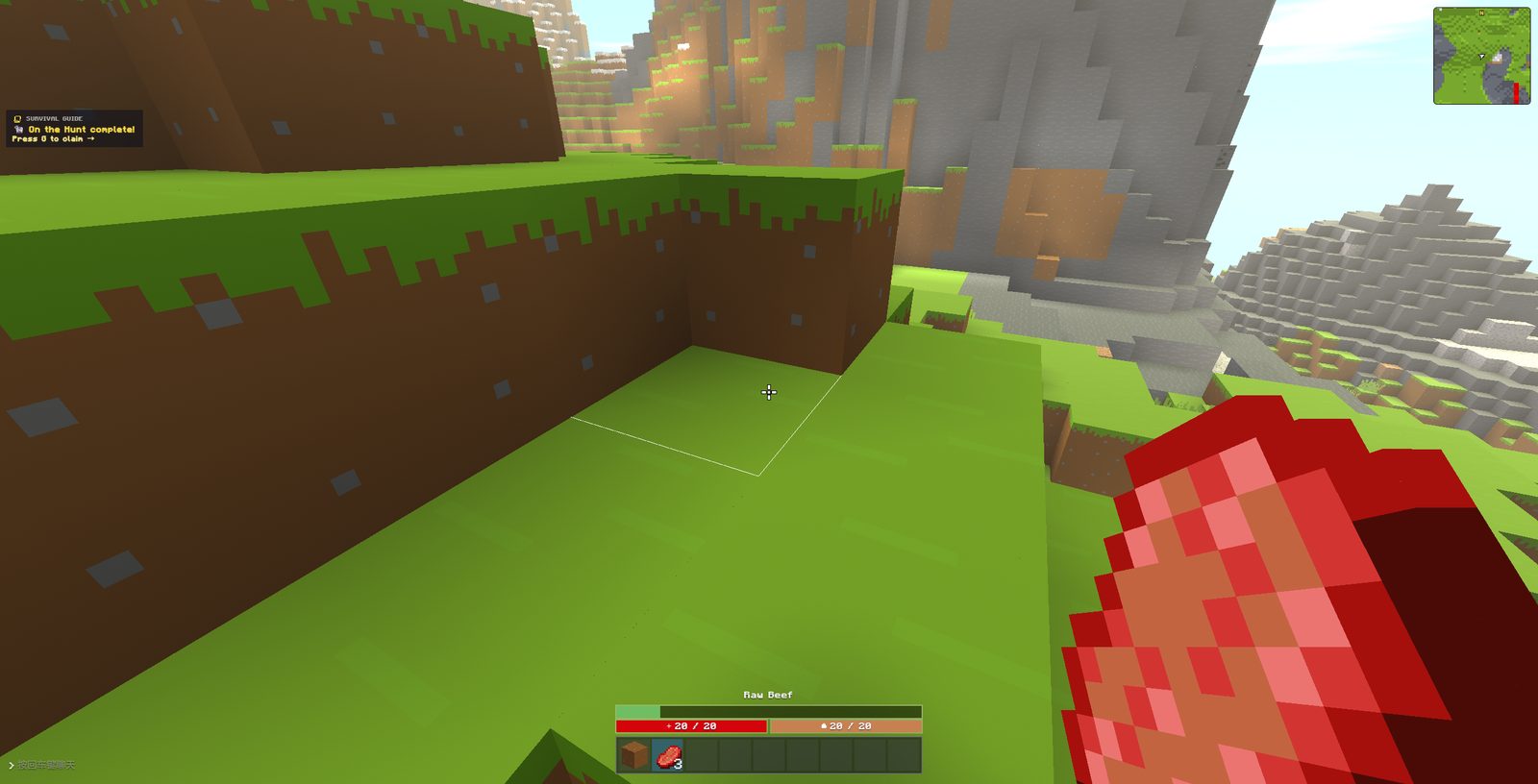
A SURVIVAL GUIDE panel in the top-left tracks objectives with counters — Break 4 logs 0/4 — and a separate achievement system pays out on demand: a toast reading On the Hunt — completed, Press G to claim appeared when we killed something.
It is a shared world
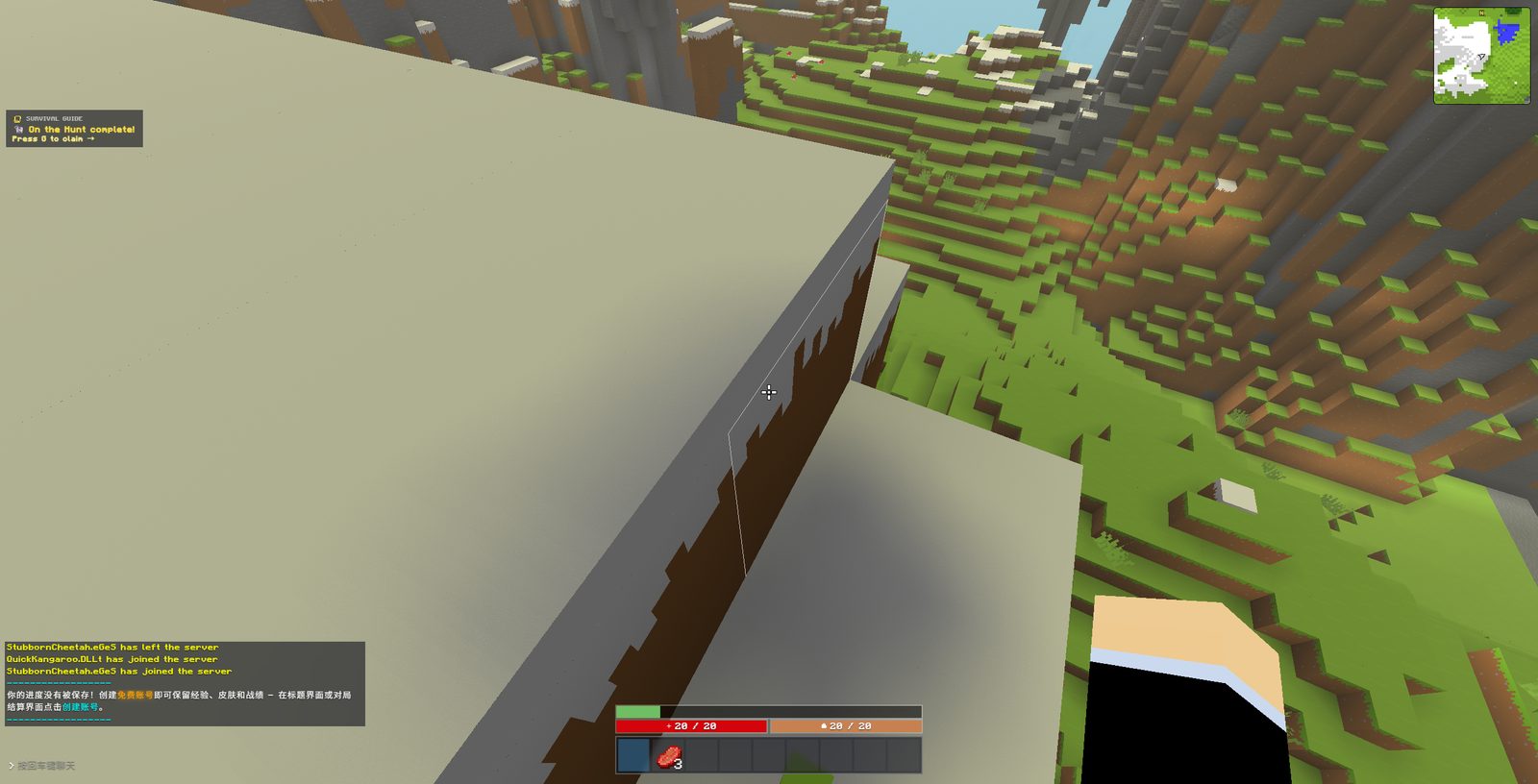
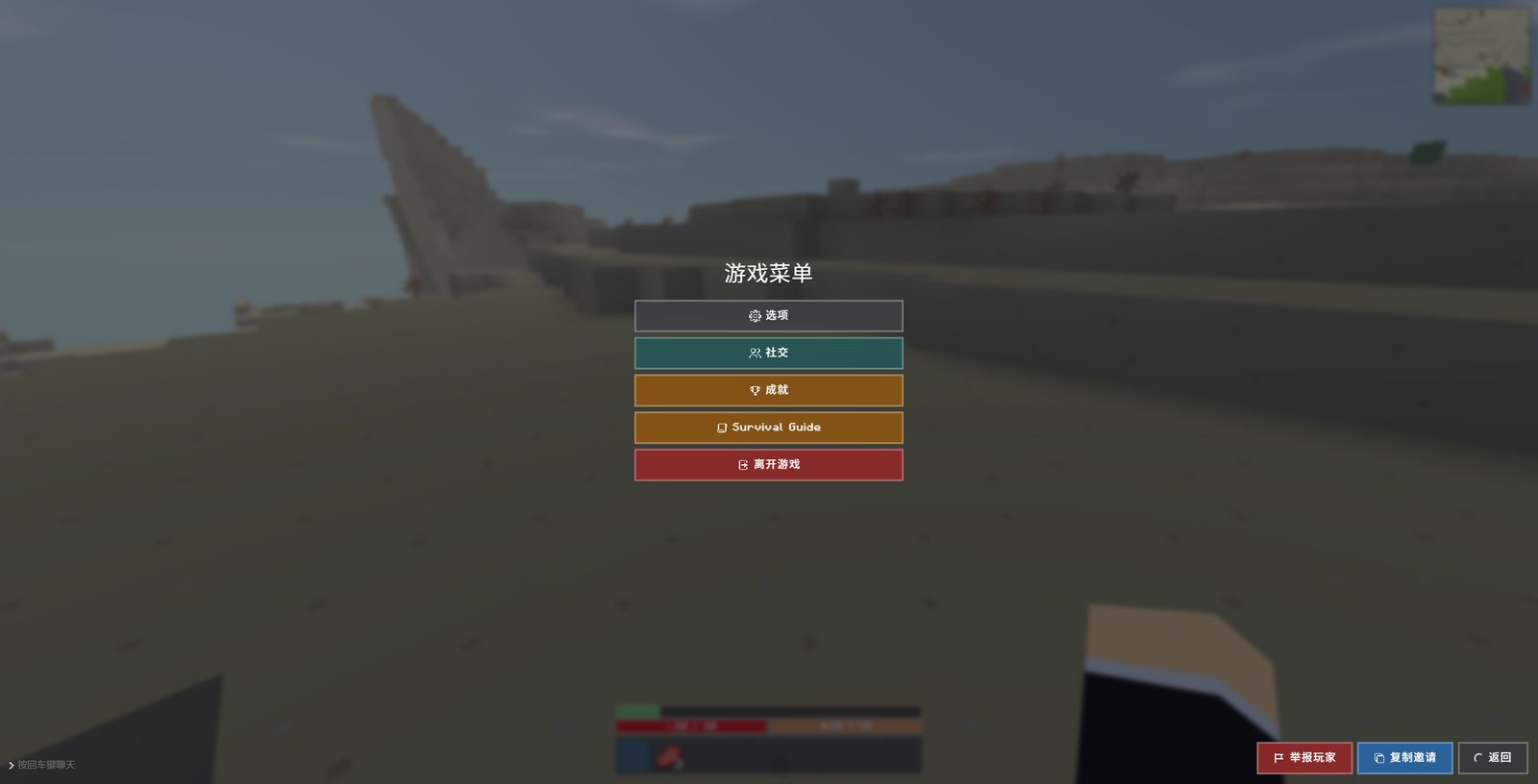
Other players joined and left the same world while we played; the chat log announces both. A system message also warned, in Chinese on our client, that progress is not saved without an account and that creating one keeps experience, skins and records.
The death screen has one button
Dying reads 你死了! with a single green button, 重生, and a red vignette over the world you were just in. The inventory you were carrying is still on the bar underneath, so death is a reset of position, not of gear.
What we have not confirmed
Hunger, crafting, night, and everything that spawns after dark. Our session ended two minutes after it started, before the world got dangerous. Read the survival advice on this site as first-hour guidance, not as a late-game plan.